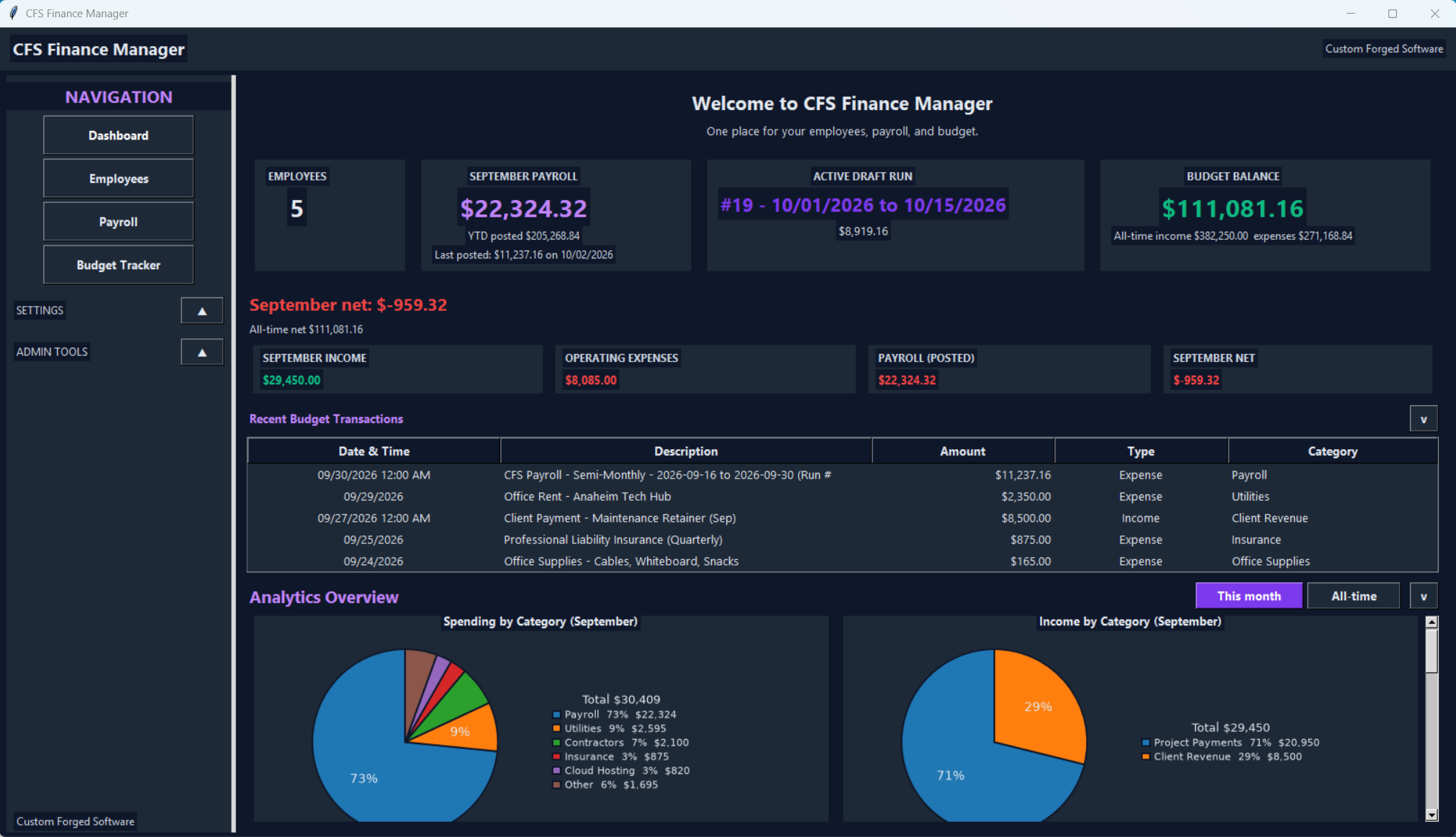
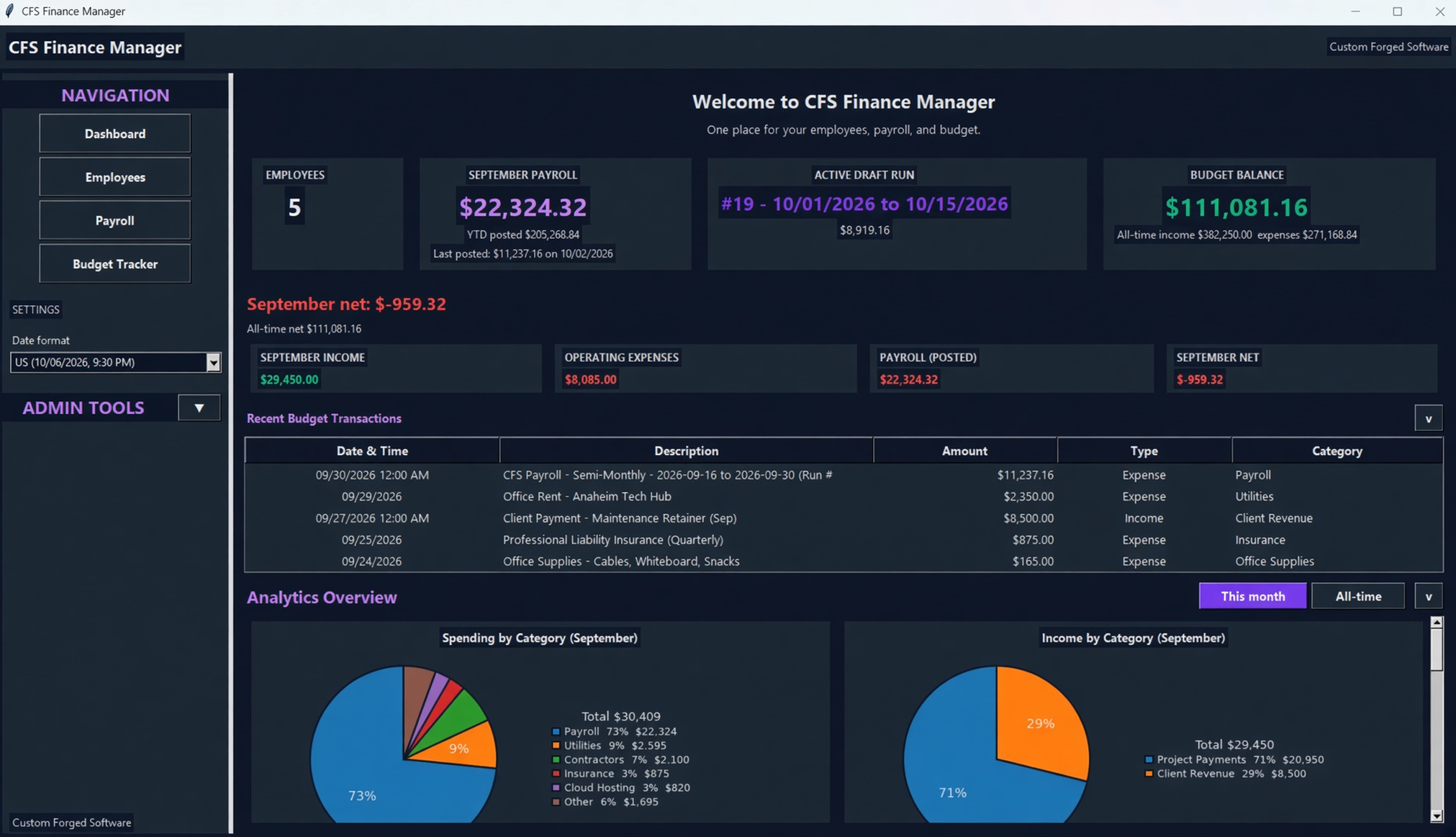
Live Dashboard
Real-time balance, headline cards, recent transactions, with elegant spending and income pie charts.
A desktop app for the people, the pay runs, and the budget register. No subscriptions. No cloud. The books stay on this computer.
I built a budget tracker because I needed a register that was simple, fast, and on my own computer. No monthly fees. No data in the cloud. Just a desktop app I could open and trust.
That page grew into CFS Finance Manager. Employees, payroll runs, and the budget register now live in one app. The amounts in these pictures are test data, not client books.
"“This isn’t just another budgeting tool. It’s the one I use every week.”"
Real-time balance, headline cards, recent transactions, with elegant spending and income pie charts.
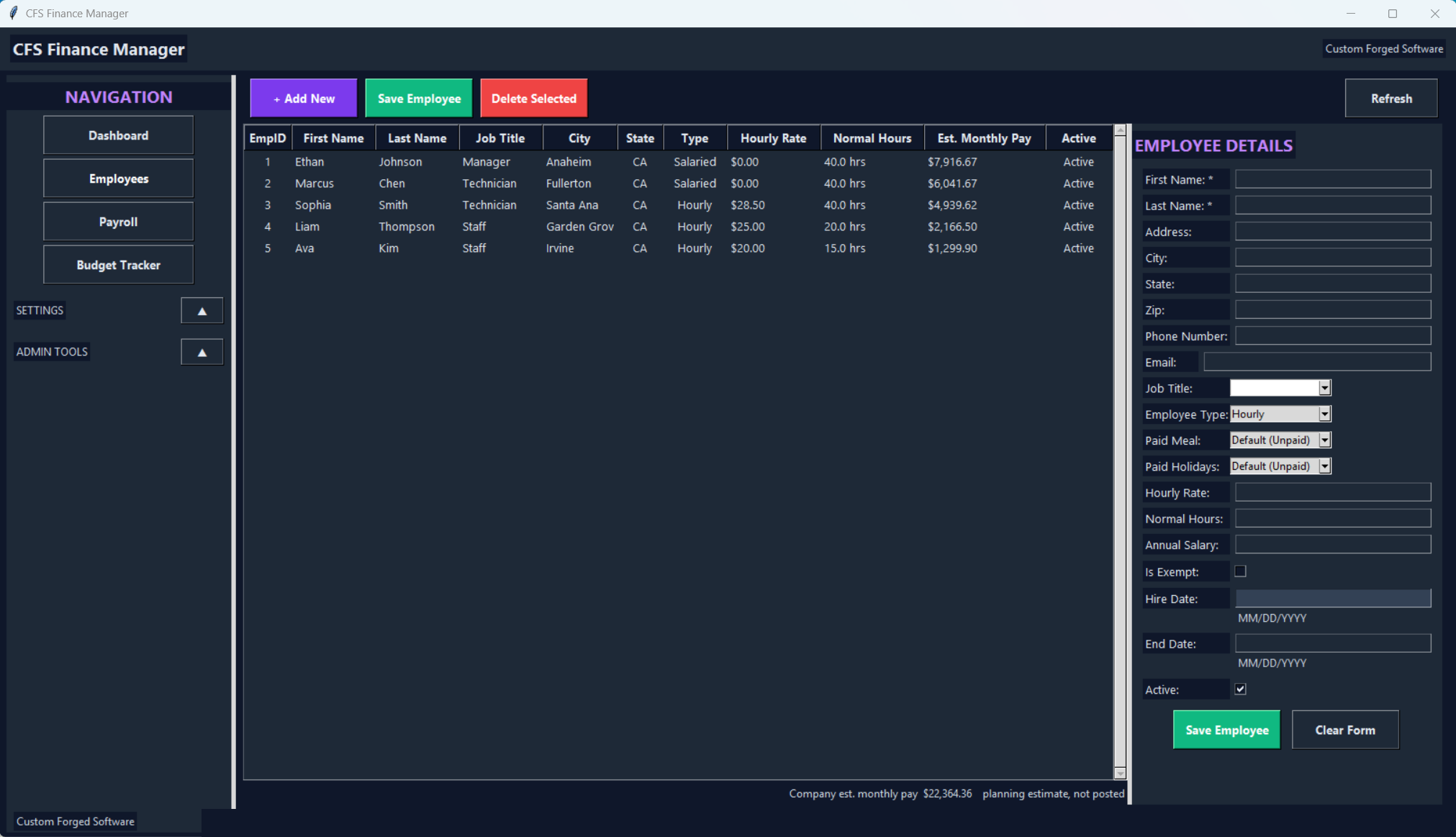
A searchable list with a detail form.
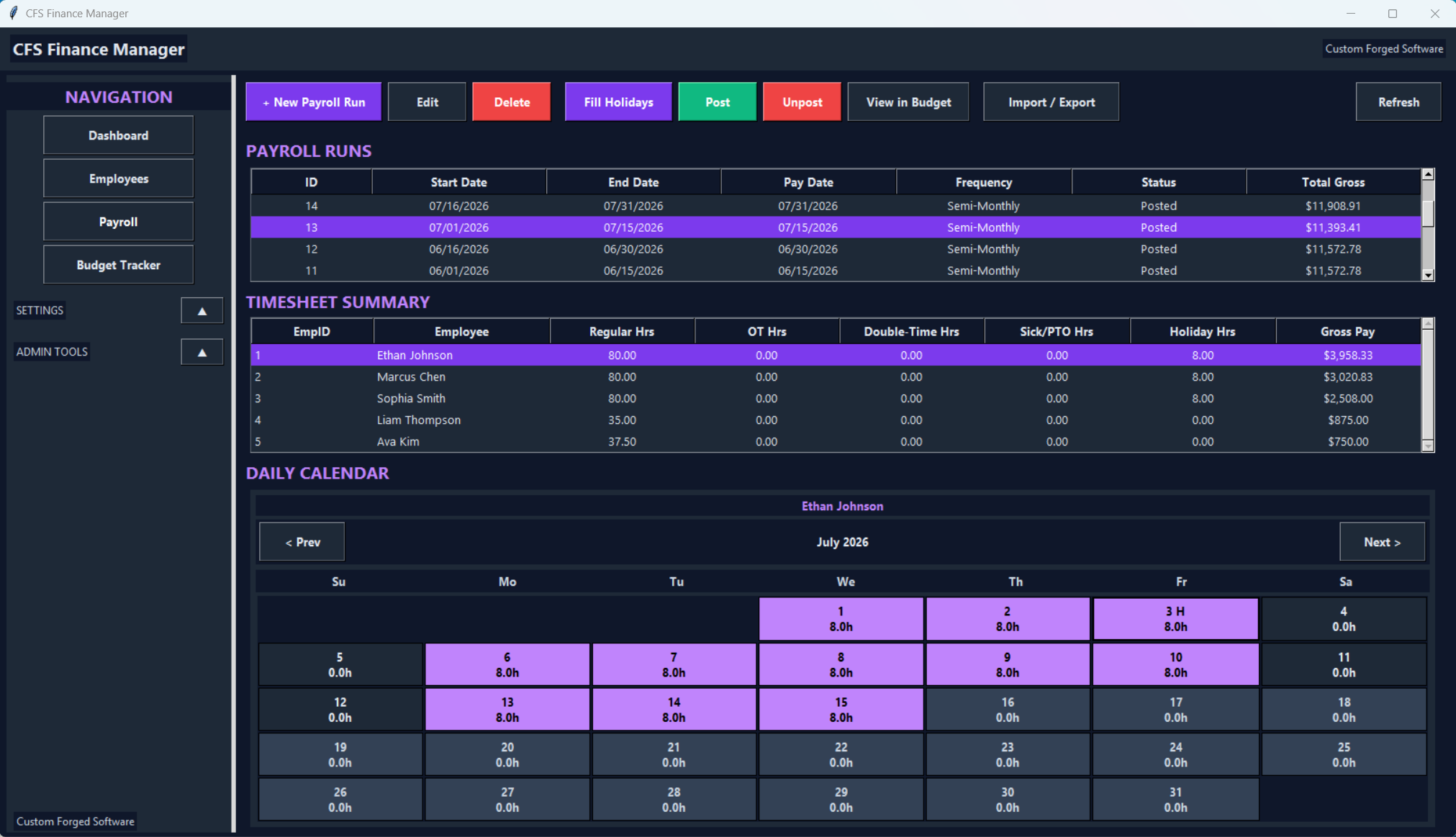
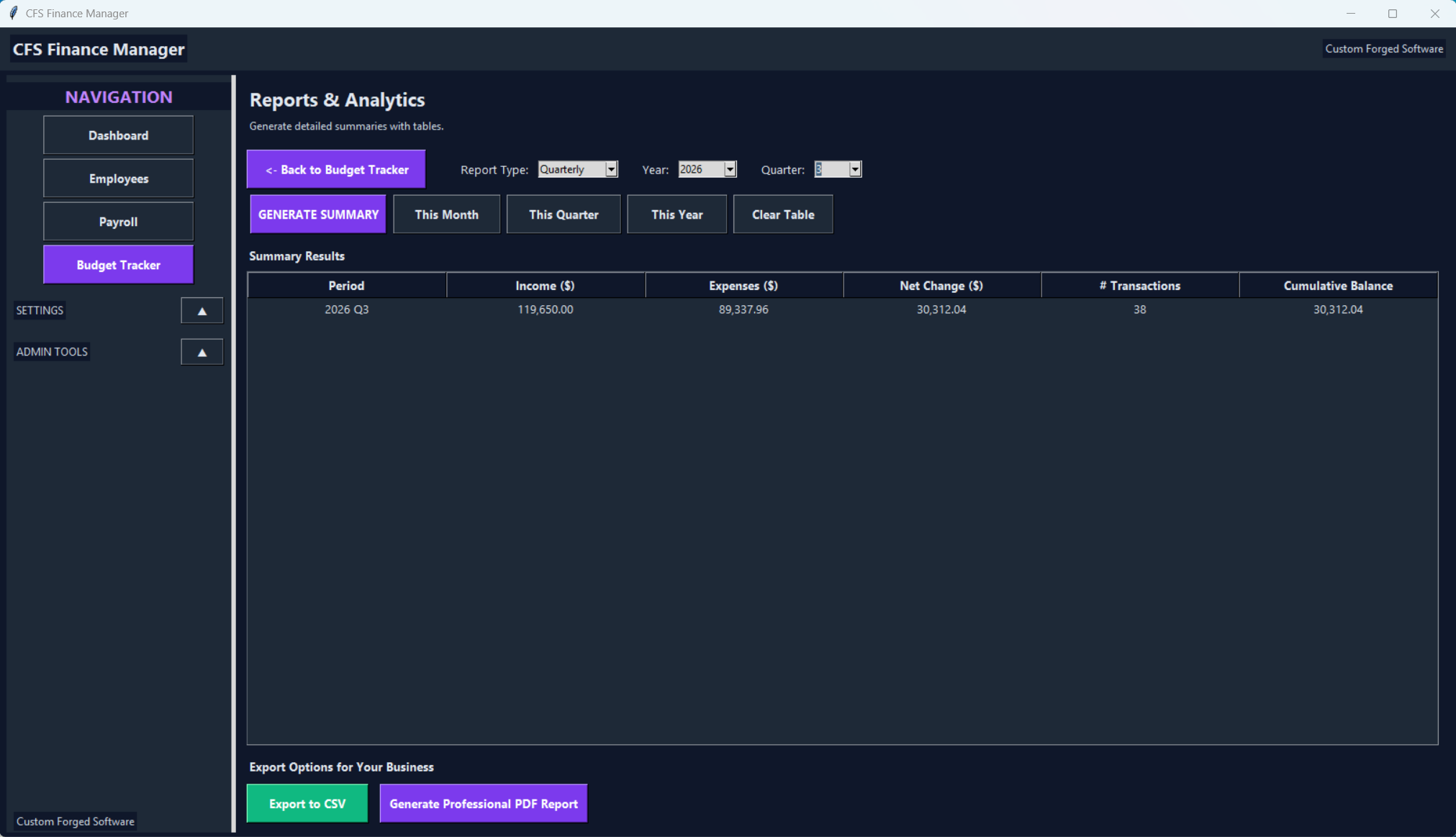
Draft and posted runs, a timesheet summary, and a daily calendar. With Profesional Monthly/quarterly/yearly reports.
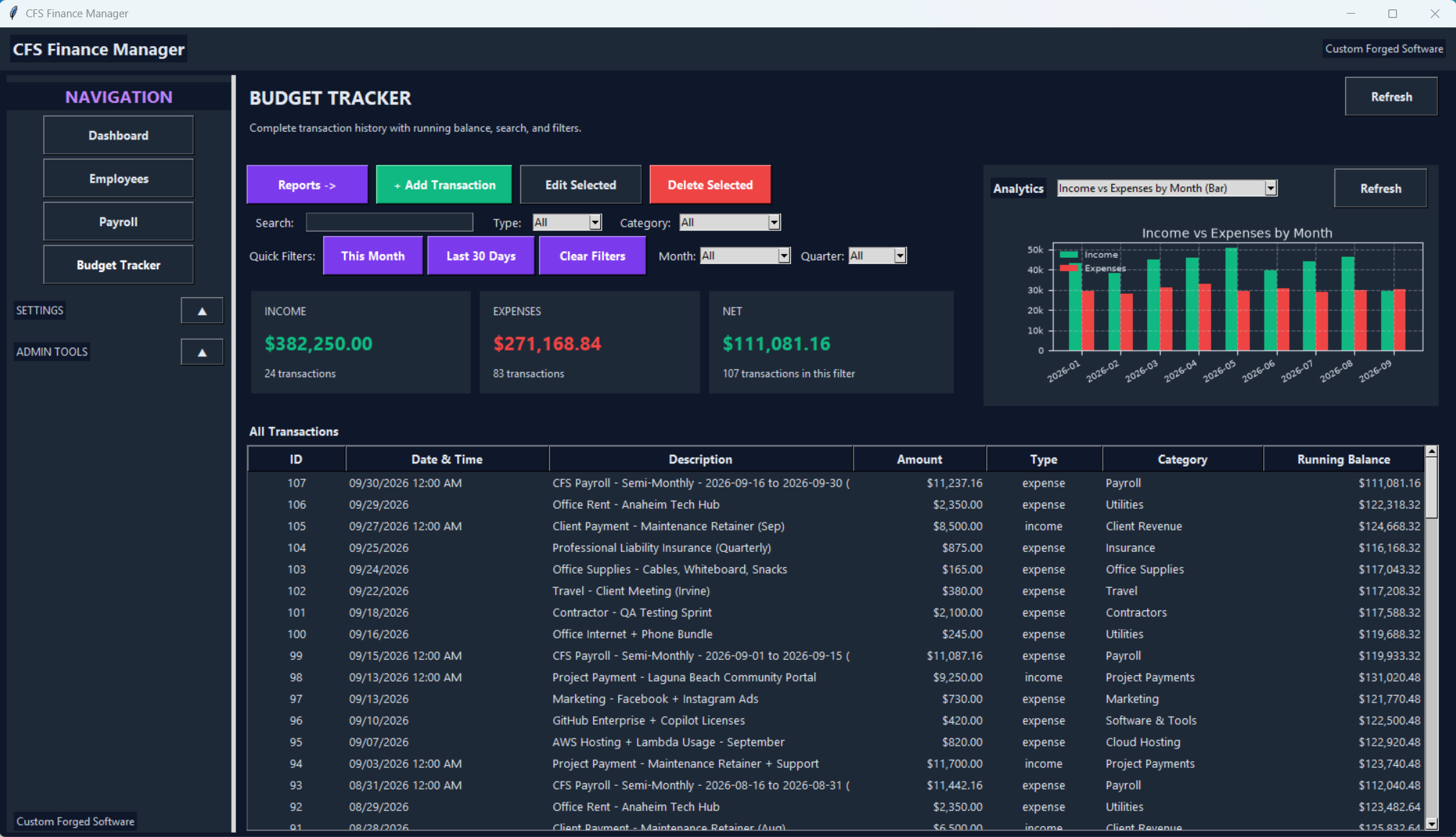
Income, Expenses, and Net follow the filter. The register keeps a running balance.
A machine-wide date format, ISO or US. Storage stays YYYY-MM-DD.
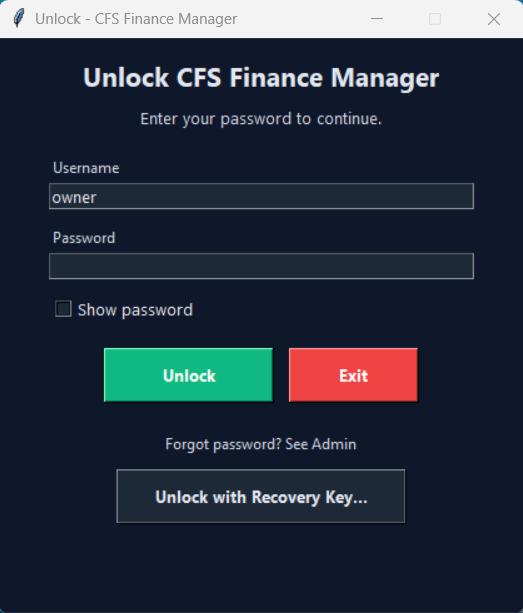
Admin, user, and viewer. A viewer can open the views but cannot edit records.
Dark theme throughout. Every screen designed with clarity and speed in mind.
A 60 to 90 second screen recording is planned.
Python desktop app. No cloud sync. No hassle.
The Windows installer is not up yet. Ask for a look, or wait for the walkthrough.
Built by Custom Forged Software
The Windows installer is not ready yet. There is no download on this page.
Want a look, a custom version, or a walkthrough? Email and I will reply.